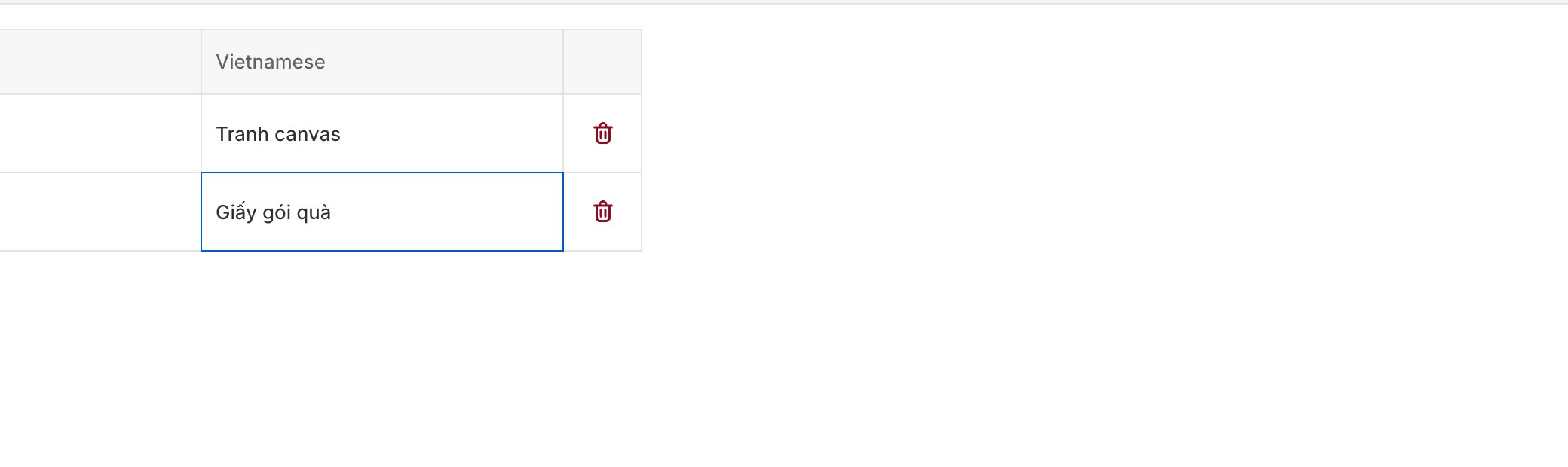
The glossary is an account-level list of terms the AI translator must leave alone (or translate in a specific way) every time it runs. Use it to enforce consistent brand voice across languages without correcting the same strings over and over.

When to use the glossary

  • Brand and product names. “Customei” should stay “Customei” in French, not “Personnaliseur”.
  • Marketing phrases your team has already translated carefully and doesn’t want an AI rewriting.
  • Specialty vocabulary where the generic translation loses meaning — “tote bag” in a fashion context, “pod” in a print-on-demand context.
  • Trademark terms that must appear exactly as registered.
If a term shows up in your option sets with the same translation every time, put it in the glossary.

Open the glossary

From Settings → Translations → Glossary. The glossary is account-wide — every option set’s translation run respects the same list.

Add a term

1

Click Add term

The form asks for the source term and optional per-locale overrides.
2

Enter the source

Type the exact phrase as it appears in your default language. Case matters — “Customei” and “customei” are treated as separate entries unless you check Case-insensitive.
3

(Optional) Enter locale-specific translations

For each target locale, you can either:
  • Leave blank → the term is untouched in that locale (stays as the source).
  • Type an override → the term is replaced with your exact translation wherever it appears.
4

Save

The term takes effect on the next translation run.

Case-insensitive matching

Turning on case-insensitive matching makes the glossary catch every variation of a term — useful for brand names that might appear lowercased in some fields. When on, Customei preserves the original casing pattern (Title Case stays Title Case, UPPERCASE stays UPPERCASE) while applying the glossary rule.

Whole-word vs substring matching

Terms match on word boundaries by default. “Pod” won’t match inside “pod-cast”. If you need substring matching (rare), enable Match inside words on the term.

Delete or edit a term

Click any term to open its editor, make changes, and save — or click Delete to remove it. Changes apply to the next translation run; previously saved translations aren’t retroactively updated. If you want to re-run past translations with a new glossary, use Overwrite all in the translation tab (see Translate an option set).

Tips

  • Start with the top 10. Don’t seed a 500-entry glossary on day one. Add terms as you notice the same corrections coming up run after run.
  • Test it. After adding a term, run a translation on a small option set and verify the behavior is what you expected.
  • Share with your team. The glossary is a durable record of how your brand speaks in each language — keep it in shape and new teammates can lean on it instead of re-inventing a style guide.

Permissions

The glossary is gated by the same translation permissions:
  • translation:view — see glossary entries.
  • translation:edit — add, edit, or delete entries.
See Roles and permissions.

Next