

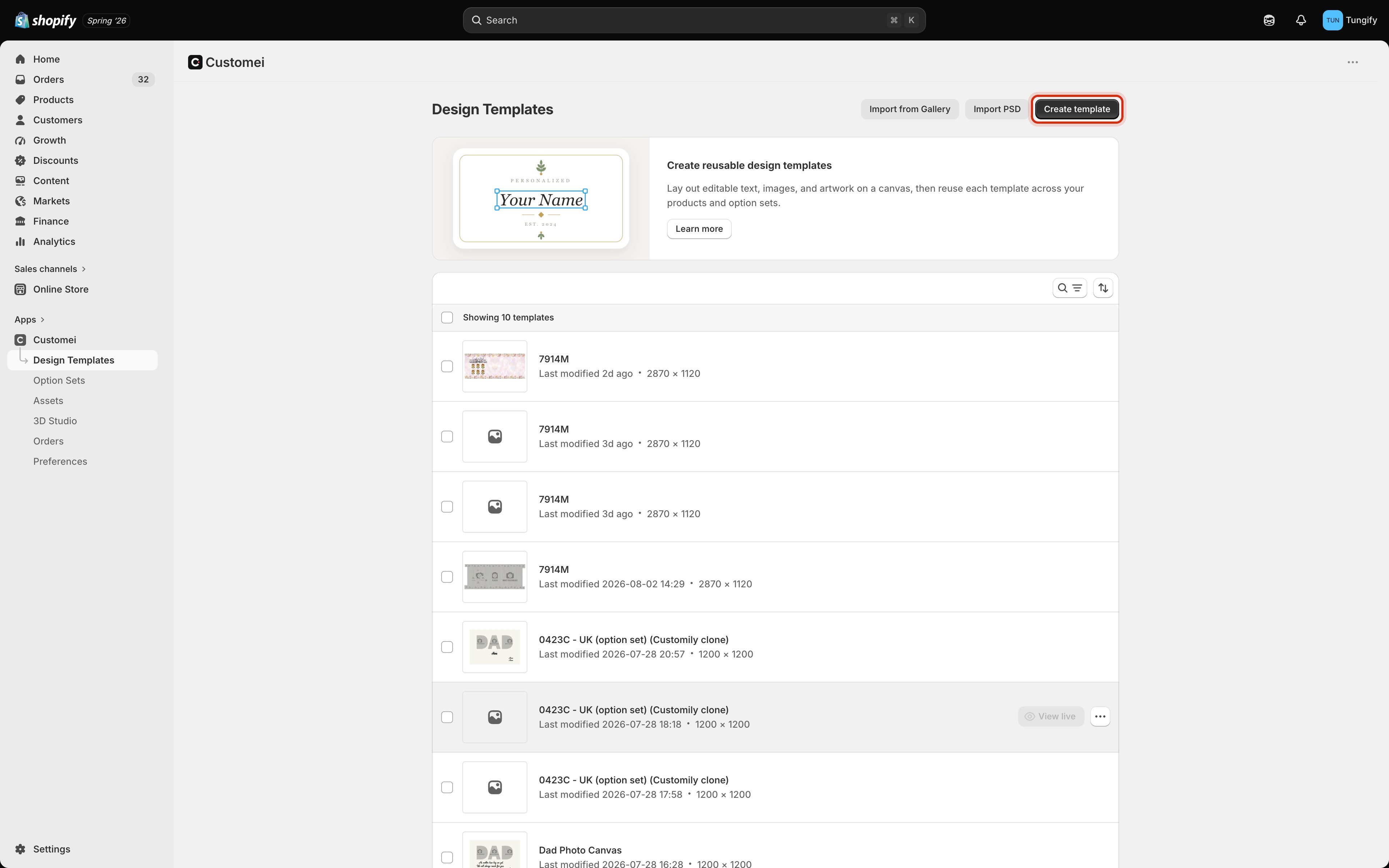
Design Templates is your artwork library. Create template starts a new one.
Template or option set?
These two are easy to mix up, so it’s worth being clear from the start.
You need both. The option set collects the name; the design template is where that name gets printed.
What’s in your library
Every template in the list shows its name, when you last changed it, and its canvas size in pixels. Use the search and sort controls at the top of the list to find one quickly in a big library. There are three ways to add a template:Create template
Start from a blank canvas at a size you choose.
Import from Gallery
Bring in a ready-made design from Customei’s gallery.
Import PSD
Upload a Photoshop file and keep its layers.
One template, many products
A template isn’t tied to a single product. Build a mug design once and you can use it for as many products as you like. Each one gets its own option set pointing at the same artwork. That also means editing a template affects everything using it. Change the font on a layer and every live product built on that template picks up the change.Templates you remove go to the trash and stay there for 30 days before they’re deleted for good. You can restore one at any point during those 30 days from Go to trash at the bottom of the list.
Where to next
Create a design template
Pick a canvas size and lay out your artwork.
Option sets
Add the questions your customers answer.
The design and preview frames
The two canvases in the editor, and which one gets printed.
Mockups
Show your artwork on photos of the real product.