Documentation Index
Fetch the complete documentation index at: https://docs.customei.com/llms.txt
Use this file to discover all available pages before exploring further.
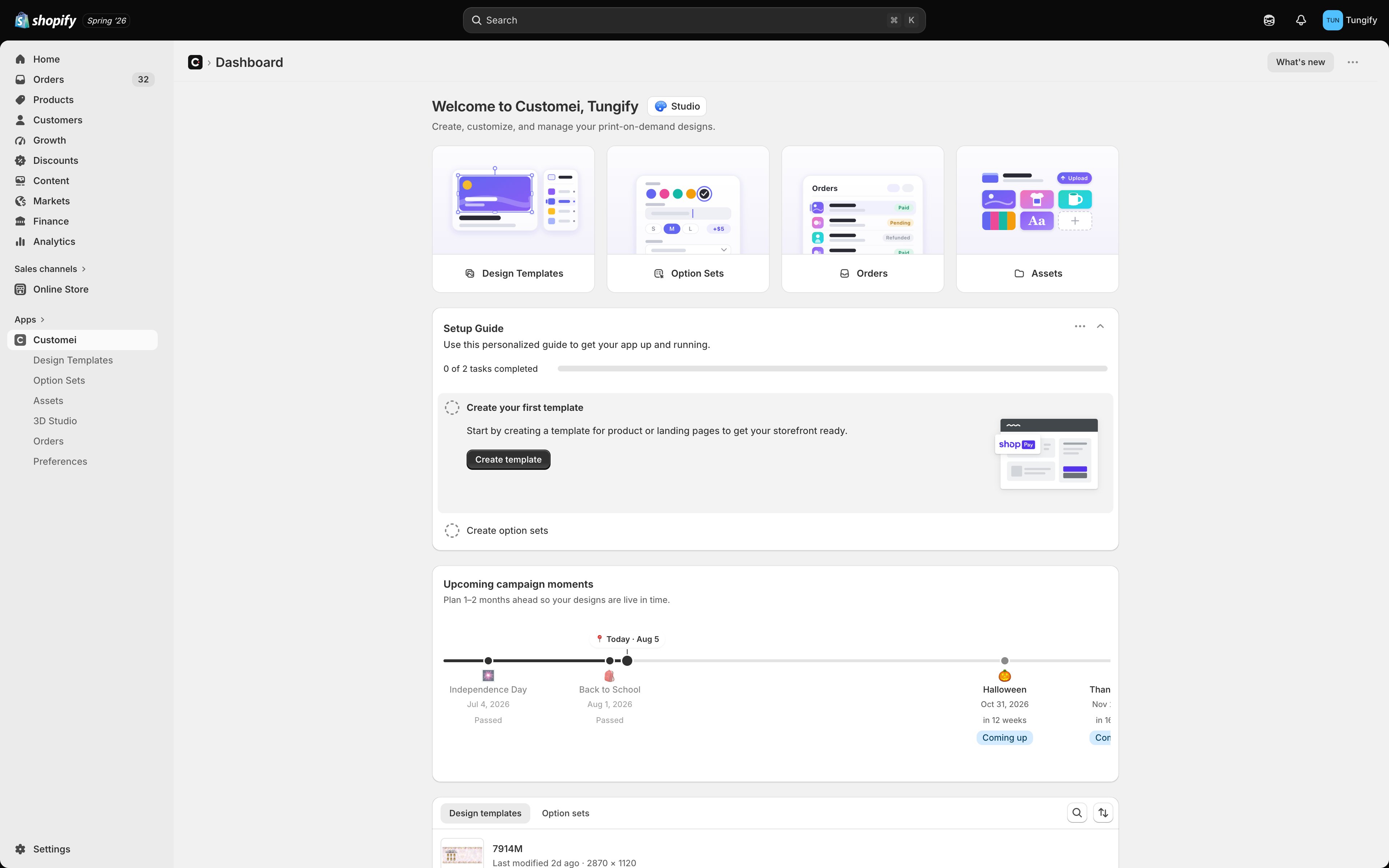
What you can do with Customei
Design beautiful templates
Compose text, images, shapes, QR codes and clipart on a WebGL canvas. Undo/redo, layers, snapping, and mockup preview included.
Personalize any product
Text, dropdowns, swatches, image uploads, dates and more — with per-option price add-ons.
Embed on your storefront
Add the Customei block to your theme and customers get a live preview right on the product page.
Translate for every market
Auto-translate option sets into every locale you sell in, with Google, Gemini or OpenAI.
Integrate with your stack
Subscribe to order events with signed HMAC webhooks, or drive everything through the GraphQL API.
Ship with confidence
Granular roles and per-member permissions mean your team works safely at any size.
Five minutes from zero to live
Install Customei
Grab it from the Shopify App Store, grant permissions, and pick a plan. Install guide →
Design your first template
Open the editor, add a text layer and an image, hit save. Walkthrough →
Build an option set
Bind a text field and a swatch to the layers you just made. Walkthrough →
Publish to your storefront
Enable the theme block and place a test order. Walkthrough →
Pick your track
Merchants
Start with the mental model, then follow the getting-started walkthrough.
Theme developers
Learn how the storefront block installs and how to style it.
Integrators
Use the GraphQL API and webhooks to automate anything.
Need help?
Troubleshooting
Fixes for the most common “it’s not working” moments.
Contact support
Email us any time — include a screen recording if you can.