Four option types do something a text box or a list can’t. Two of them collect an answer in an unusual way; two of them just show something to the shopper.

Map

The shopper searches for a place and picks it. Use it for star maps, coordinate prints, and “where we met” gifts.
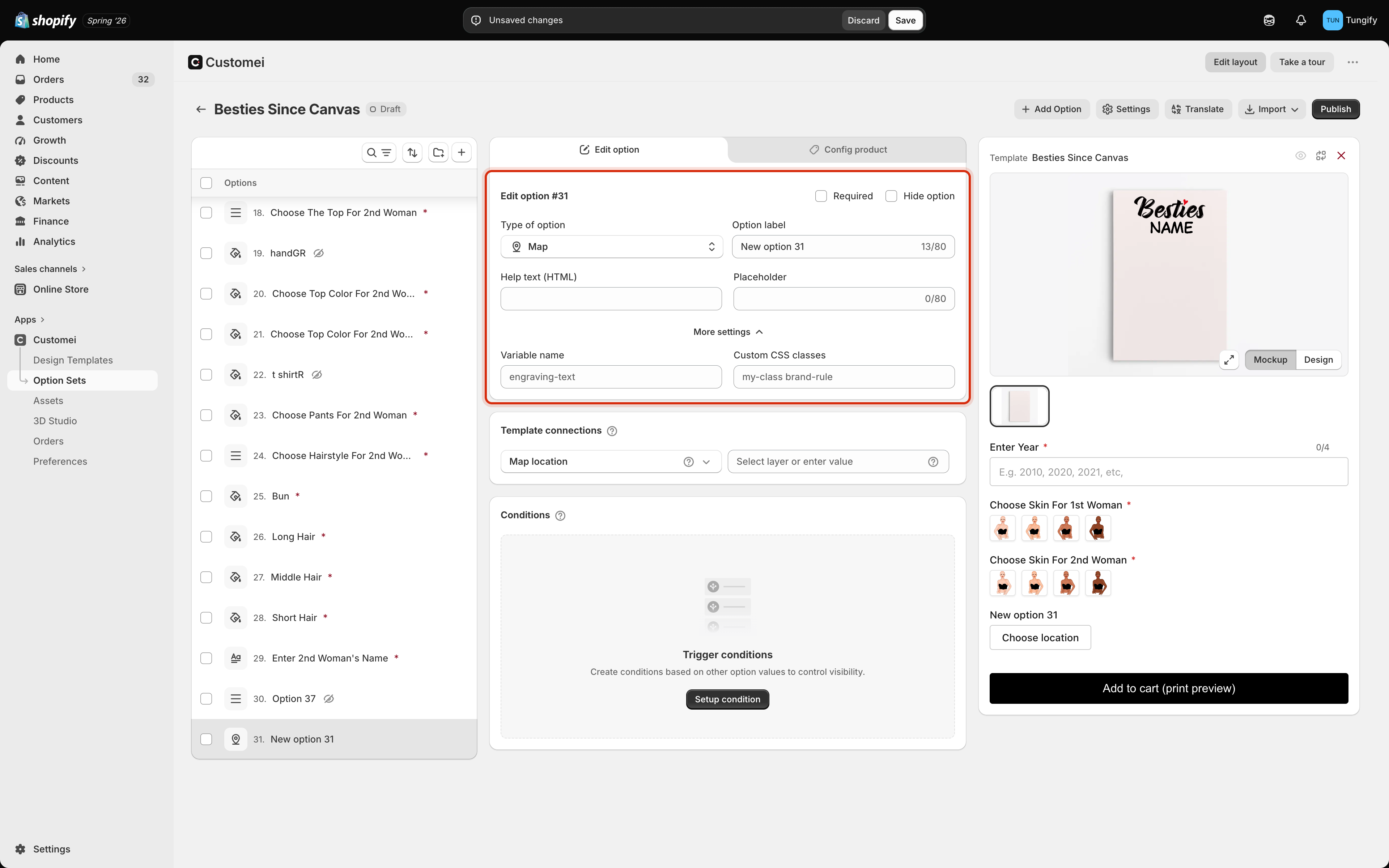
The option set editor with the map option settings card outlined, showing Help text and Placeholder.

Map settings.

There is almost nothing to configure. A Placeholder to suggest what to search for is usually all it needs. Use the Help text to tell the shopper how precise to be, for example the town is enough, no street needed.

Spotify Player

The shopper pastes a track link, and the product page shows it back to them.
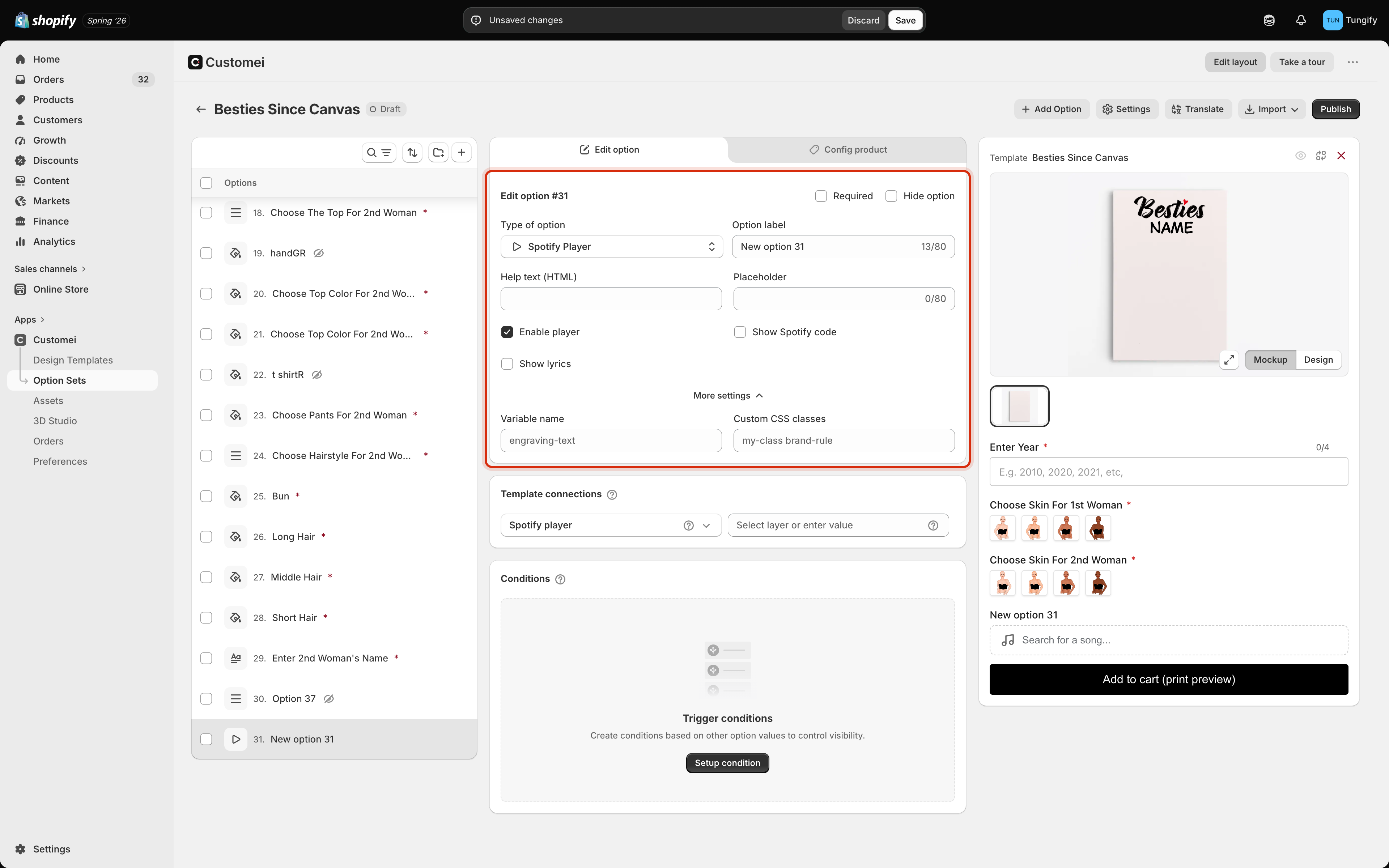
The option set editor with the Spotify Player settings card outlined, showing Placeholder, Enable player, Show Spotify code and Show lyrics.

Spotify Player settings.

This option needs Spotify connected to your account first, on the Integrations tab. Without it the shopper can paste a link but nothing comes back.
If you are printing the scannable code, keep Show lyrics off and Show Spotify code on. Fewer moving parts on the product page, and the shopper sees exactly what they will get.
A button that opens a window of your own words. Use it for a size guide, a care instruction, or the small print about turnaround times.
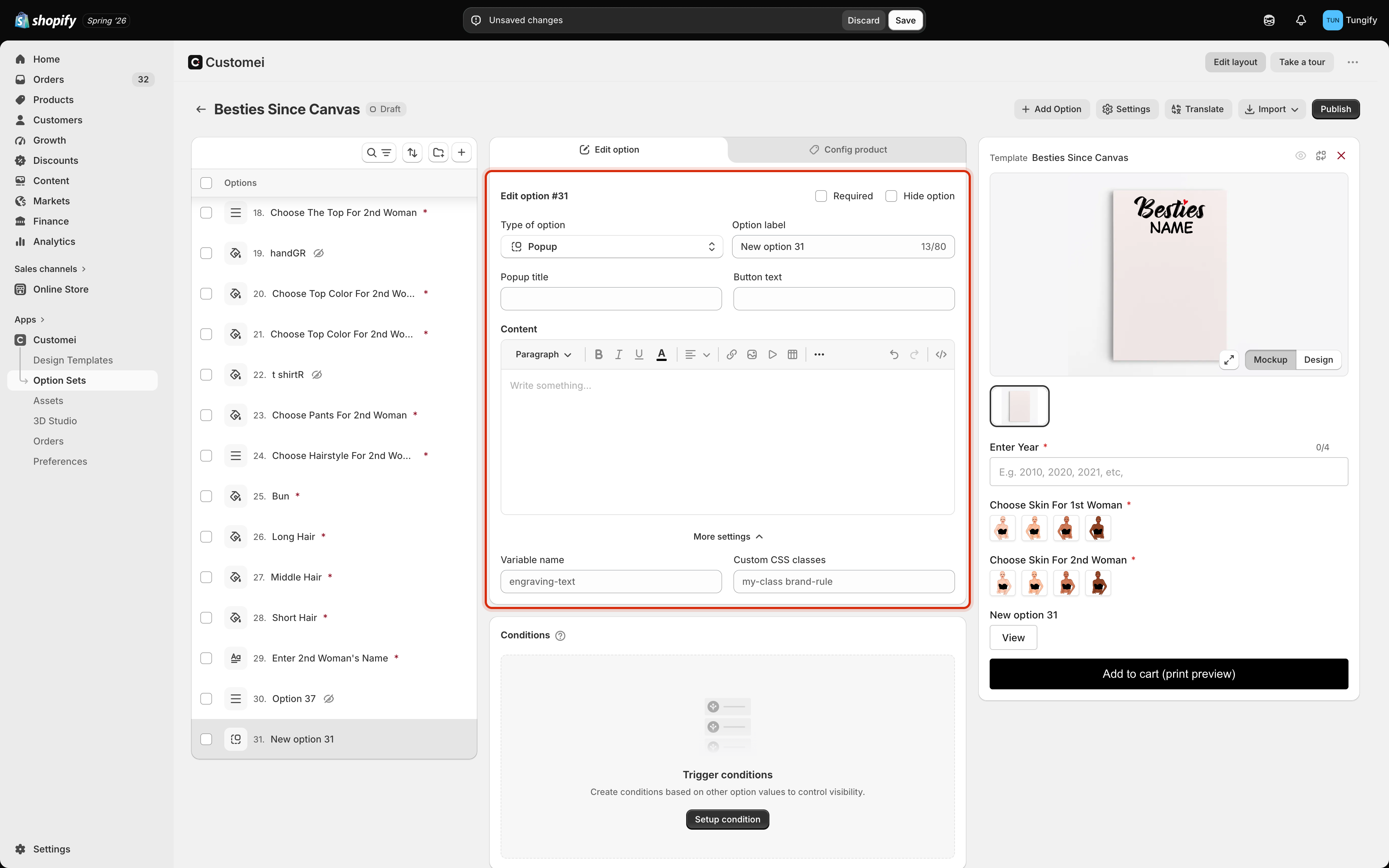
The option set editor with the popup settings card outlined, showing Popup title, Button text and a rich Content editor.

Popup settings.

A popup collects nothing, so it never appears in the order and never blocks the cart.

Countdown

A clock ticking down to a date you set. Use it for a cut-off: order by this time for delivery before Christmas.
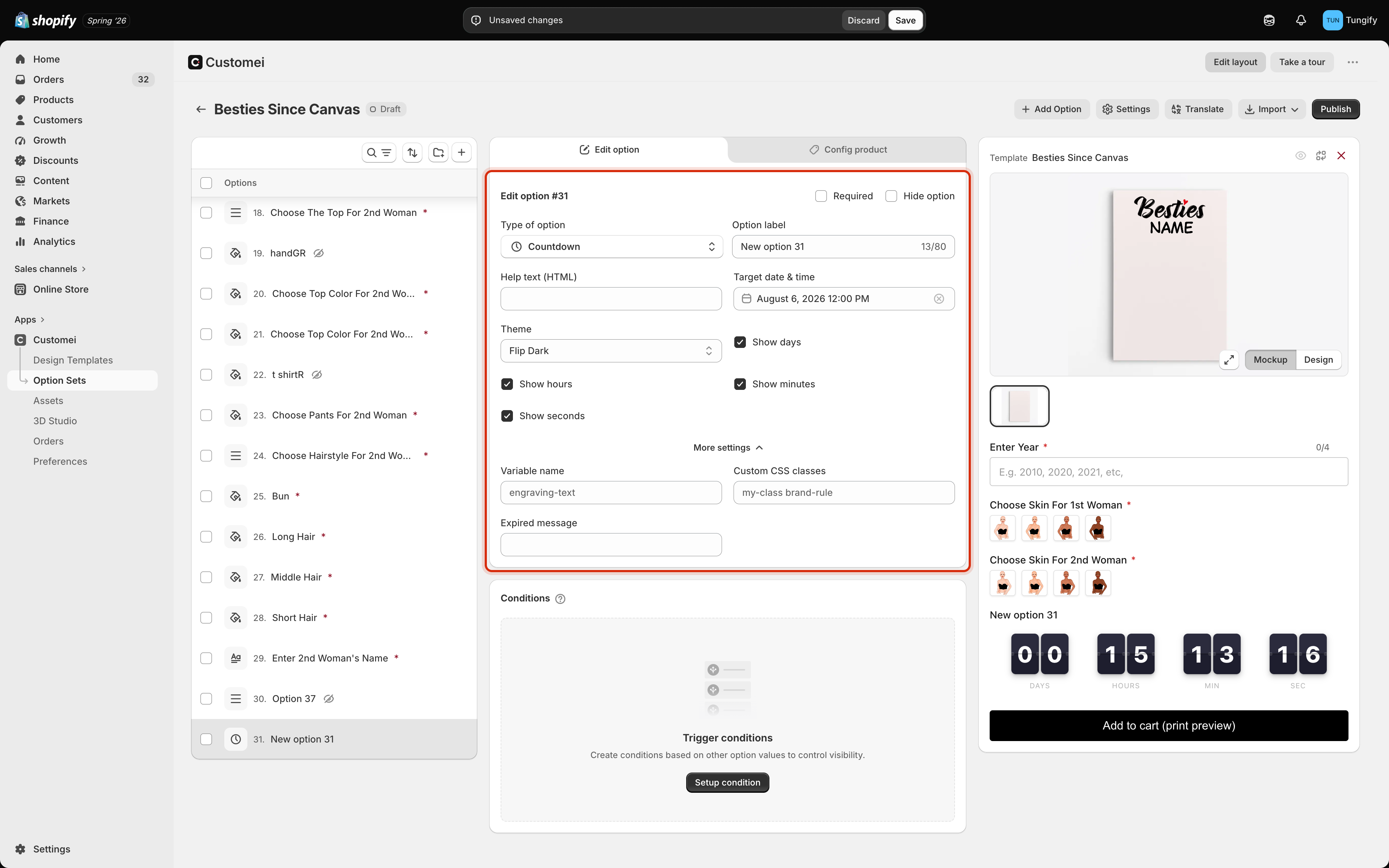
The option set editor with the countdown settings card outlined, showing Target date and time, a Theme dropdown set to Flip Dark, and Show days, hours, minutes and seconds tickboxes.

Countdown settings.

A countdown does not stop anyone ordering. When it runs out, the Expired message appears and the product stays on sale. If a cut-off is a real deadline for you, write the expired message so it says so, and plan to change the date yourself.

Crossword style

One more type sits in the same part of the picker. Crossword style has no settings of its own: it controls how a crossword built from the shopper’s own words is laid out on the product page. Add it only if your design has a crossword layer.

Where to next

Options the customer fills in

Text, dates, colours and sliders.

Groups and layout

Where to put these among your other questions.