

Build the questions from your artwork
On Option Sets, click Create and pick the design template you want, instead of Start from scratch.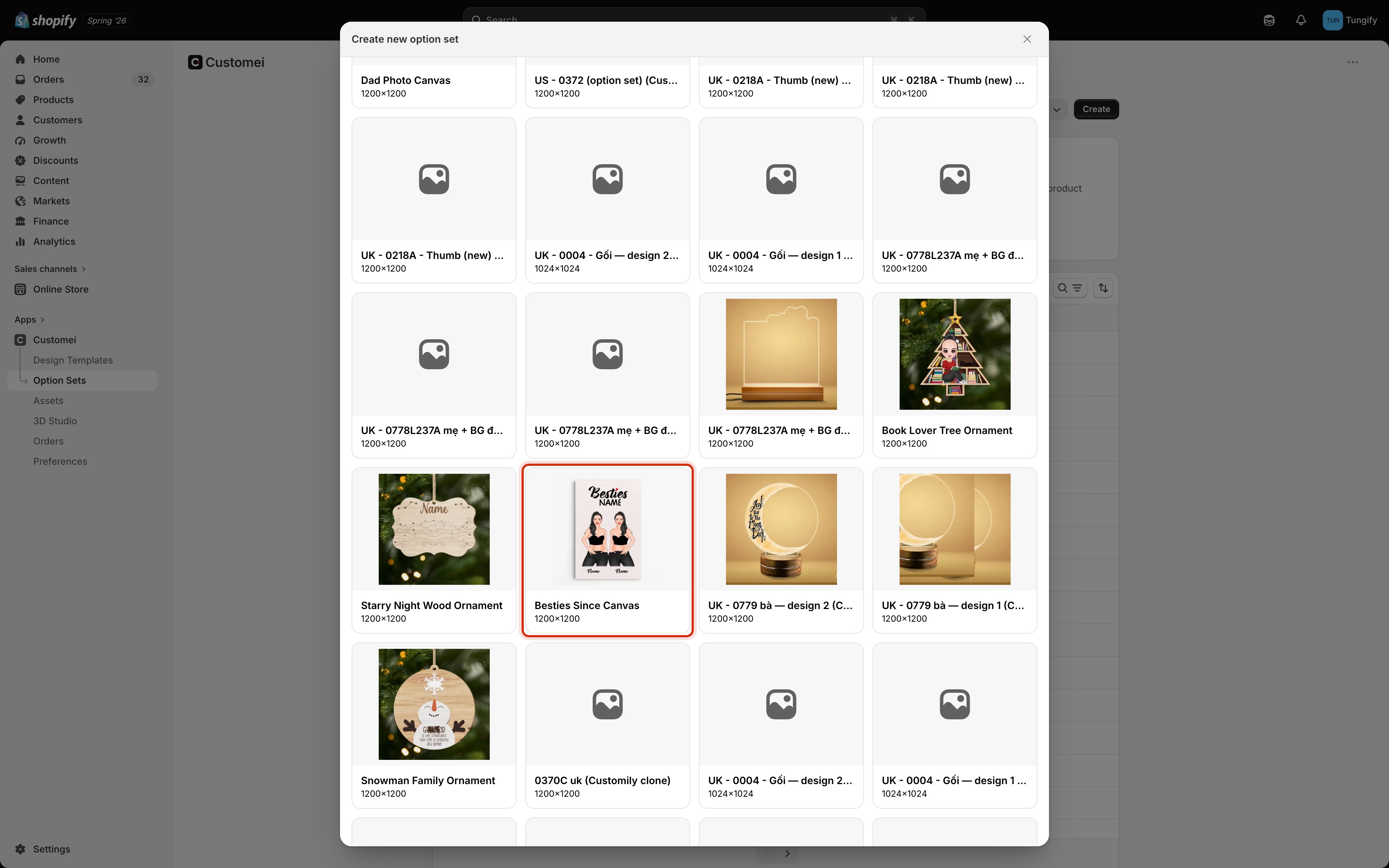
Create new option set. Clicking a template builds the questions from it.
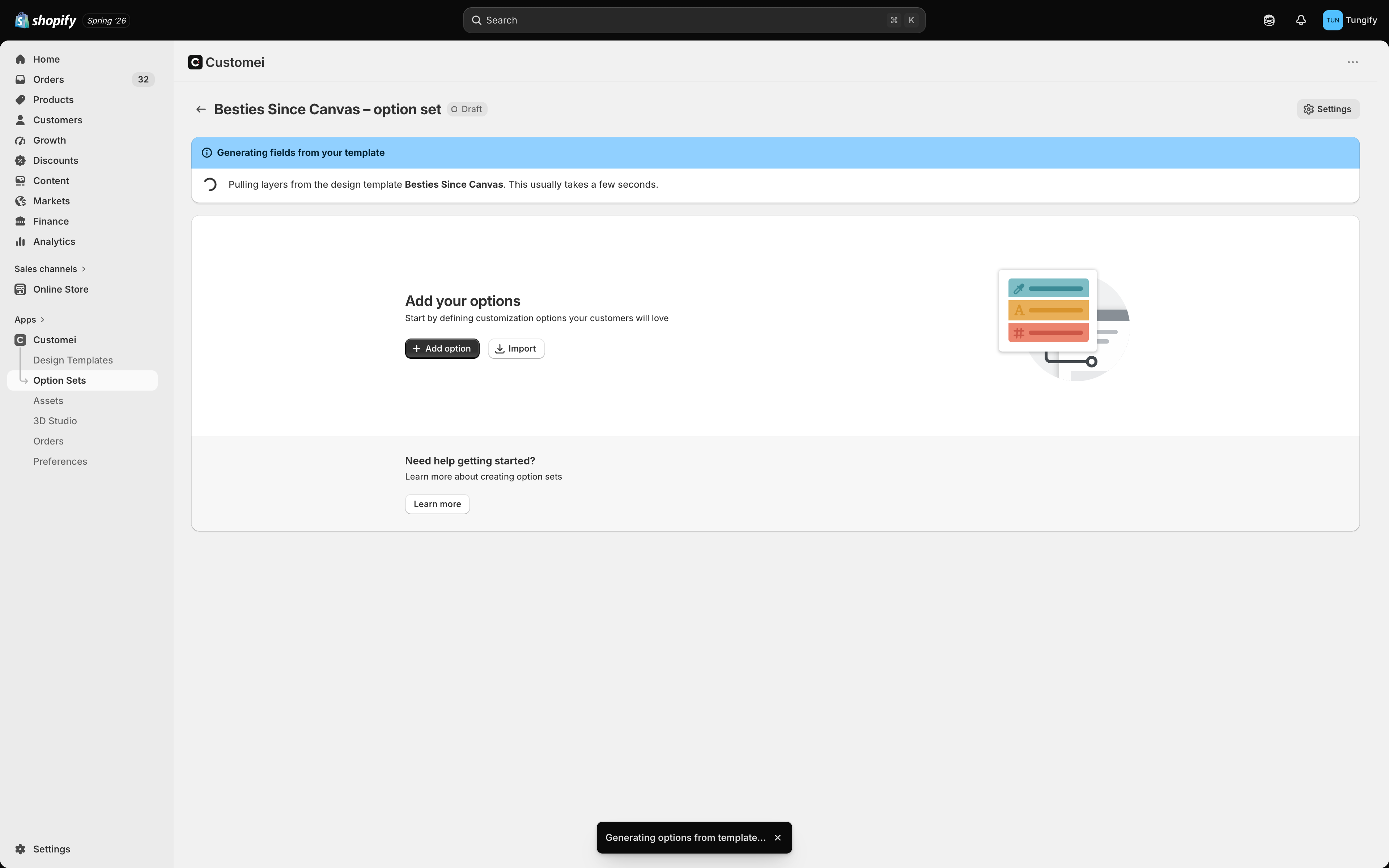
Reading your layers. This is quick.
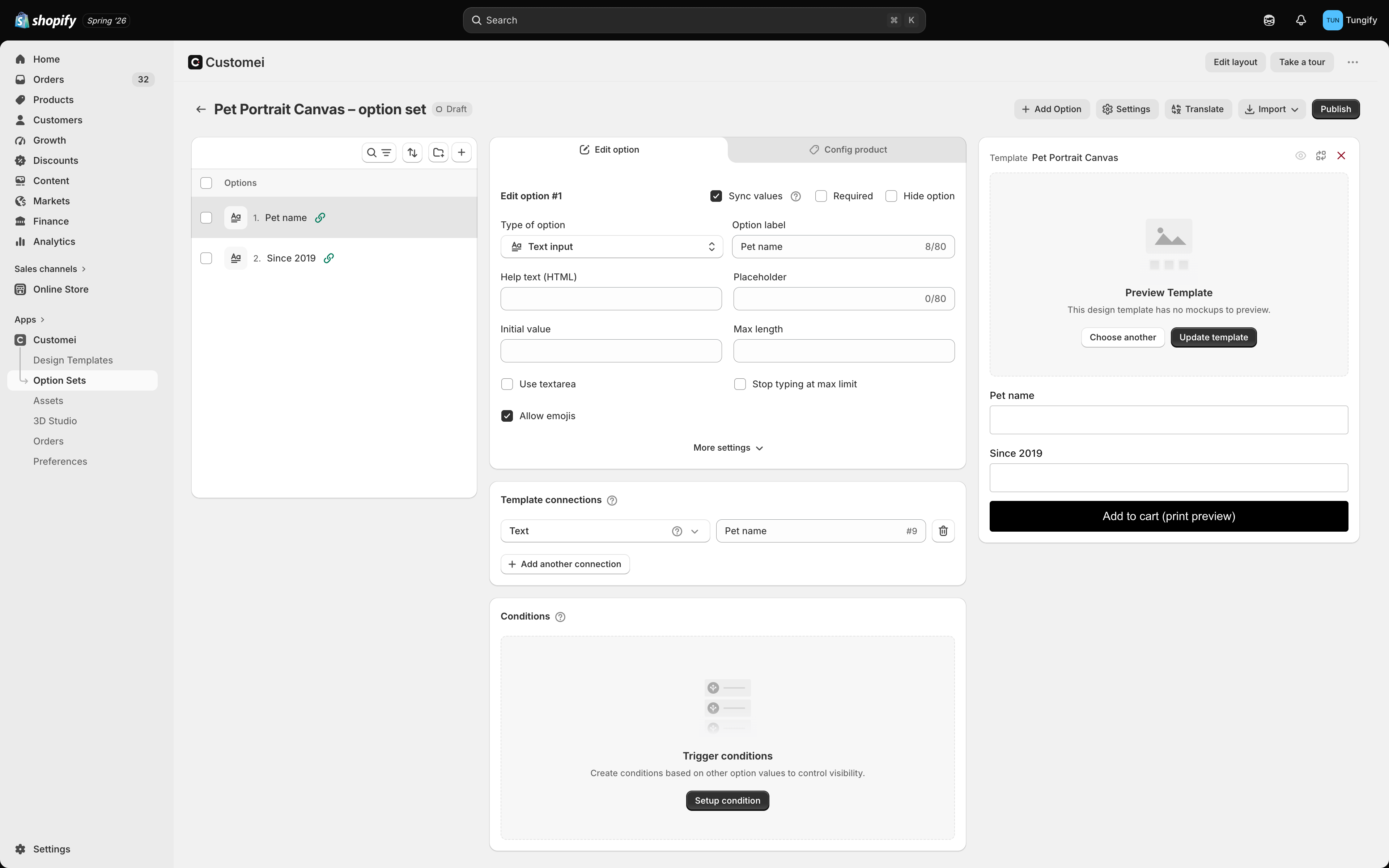
Two text layers became two questions, each already pointed at its layer.
What each layer gives you
A choice needs at least two things to choose between. If a folder of images holds only one picture, there is nothing to pick, so no question appears for it. Add a second picture and it becomes a real choice.
It keeps following your artwork
Once a question came from a layer, it keeps up with that layer:- Rename or renumber the layer and the question follows it. Nothing breaks.
- Add a layer and a new question appears for it.
- Delete a layer and its question goes away. If another question’s show/hide rule depends on it, the question stays and simply stops being joined to the artwork, so your rule keeps working.
Adding pictures to a folder later
This is the part worth knowing, because it saves the most work. A row of pictures gets its choices from a folder of images. Top the folder up and every option set that draws from it can offer the new pictures. You add the picture once, in Assets, instead of editing each option set. Each joined question has a Sync values tick box that controls this.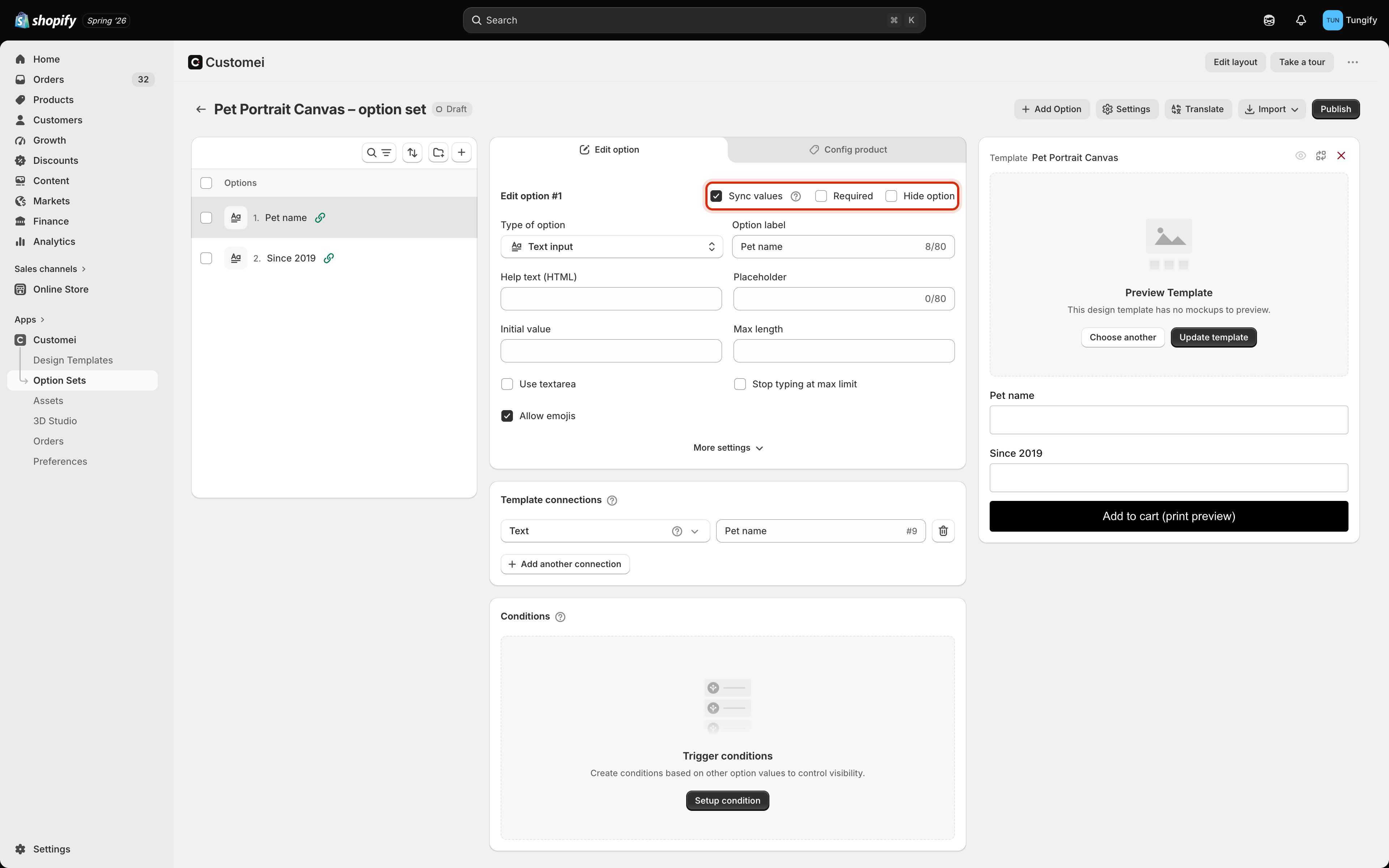
Sync values. While it's ticked, this question's choices come from the folder of images.
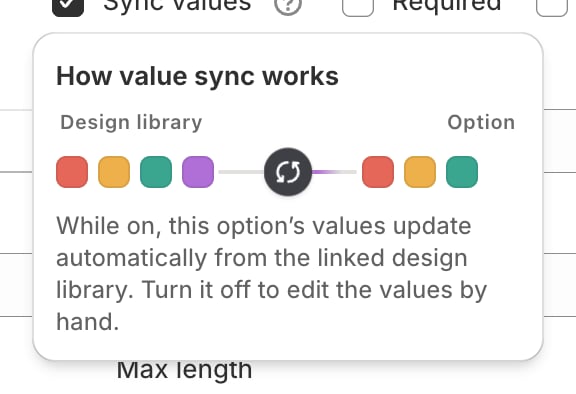
Choices flow from your folder of images into the question.
When you edit a question yourself
Your own edits win. Customei never overwrites the wording you typed.- Rename a choice, add a surcharge, or drag the choices into a different order, and your version stays.
- The question still accepts the bigger changes from the artwork, like a layer being renamed.
- A View details link appears so you can see exactly which rows you changed. Next to it, Reset to library values puts everything back the way the folder has it.
Where to next
Connect answers to layers
How a question points at a layer number.
Managing values
Add, reorder, and label the choices by hand.
Bring in a Photoshop file
Where those folders of pictures come from.
Assign products and go live
Publish the changes to your storefront.